
CapCut vs Filmora: Which Video Editor Is Better in 2025?
In 2025, the battle of video editing apps is fiercer than ever. With the rise of short-form video content, creators are constantly looking for powerful yet user-friendly tools to produce stunning visuals for YouTube, TikTok, and Instagram Reels. Two of the most popular contenders today are CapCut and Filmora. But when it comes to CapCut vs Filmora, which video editor is truly better for your needs in 2025?
Let’s dive into an in-depth comparison of these tools across features, performance, pricing, and ease of use to help you make the best choice.
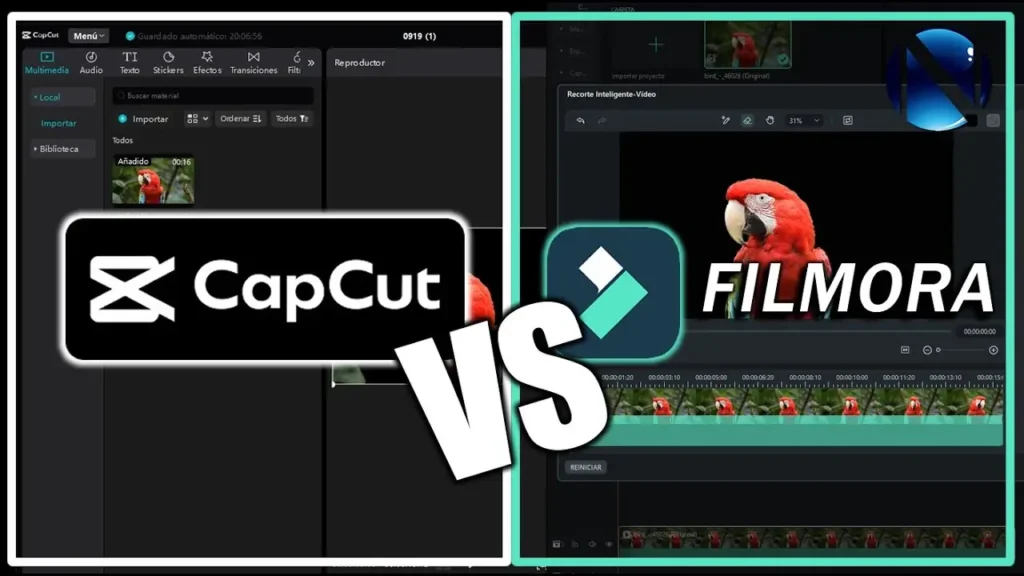
1. Overview: CapCut vs Filmora
Before we break things down, it’s important to understand what makes each app unique.
CapCut, developed by ByteDance (the company behind TikTok), started as a mobile-first video editor. It has since expanded to desktop and web platforms, offering advanced features like AI video editing, auto captions, keyframe animations, and 3D effects — all within a free interface.
On the other hand, Filmora, developed by Wondershare, is a long-standing editing software known for its professional-grade timeline editing, motion tracking, and multi-layer support. It’s favored by both beginner and intermediate creators who want more control than mobile editors typically allow.
So when comparing CapCut vs Filmora for PC or CapCut vs Filmora mobile, the line between casual and pro-level editing has become increasingly blurred.
2. Interface and Ease of Use
Both tools are designed to be beginner-friendly, but their interfaces cater to slightly different audiences.
- CapCut focuses on simplicity. Its drag-and-drop interface, template-based editing, and AI-powered tools make it perfect for social media creators who want quick results. Features like auto beat sync and background remover require minimal manual tweaking.
- Filmora, meanwhile, offers a more traditional video editing layout, complete with a multi-track timeline, audio mixer, and color grading panels. It’s slightly more complex but provides greater control for users coming from professional software like Premiere Pro or DaVinci Resolve.
If you’re a beginner or short-form content creator, CapCut mobile feels faster and easier. But for YouTubers or those editing longer videos, Filmora’s desktop interface offers a smoother workflow.
3. Features Comparison
Let’s break down some of the most talked-about features from CapCut vs Filmora Reddit discussions and online communities.
AI Tools
- CapCut integrates several AI-powered tools like auto captioning, AI voiceovers, background removal, and auto-reframe. It even includes AI photo-to-video generators and face enhancement tools, which make it extremely appealing for creators producing viral content.
- Filmora 13 and 14 have introduced their own AI Copilot, AI Audio Denoise, and AI Portrait effects, but many users note that CapCut’s AI tools feel faster and more seamlessly integrated.
Transitions and Effects
Filmora wins in terms of the variety and customization of transitions, filters, and effects. It offers a rich effects library through Filmstock, while CapCut focuses more on TikTok-style filters, motion presets, and 3D zoom transitions.
If your goal is creative storytelling, Filmora 14 provides more flexibility. But if you prioritize social media aesthetics, CapCut Pro shines with its trendy effects and auto-editing tools.
Audio and Sound Editing
Both editors come with royalty-free music libraries and audio effects.
However, Filmora offers advanced audio tools like audio equalizer, noise removal, and audio ducking, giving it an edge for professional projects. CapCut, though simpler, is perfect for syncing beats and sound effects to quick edits, especially for Reels or TikTok.
4. Performance and Compatibility
When comparing CapCut vs Filmora for PC, performance can vary depending on your device.
- CapCut Desktop runs smoothly even on low-end systems. It’s lightweight and doesn’t require high-end GPUs, making it accessible for everyday users.
- Filmora, on the other hand, demands slightly more resources but rewards users with higher-quality rendering and better stability during complex edits.
For mobile users, CapCut mobile is clearly the winner. It’s optimized for Android and iOS devices and syncs with the desktop version via the cloud. Filmora mobile exists, but it lacks some of the features available on its PC version.
5. Pricing: CapCut vs Filmora Price in 2025
Pricing is one of the biggest factors influencing creators’ decisions.
- CapCut remains completely free, with access to nearly all editing tools. However, CapCut Pro now offers optional premium assets, including exclusive effects, music, and templates — but it’s still very affordable.
- Filmora follows a subscription-based model. In 2025, the Filmora annual plan costs around $49.99/year, with a lifetime license option for about $80–100. Users also pay extra for access to the Filmstock library.
If you’re looking for a budget-friendly solution, CapCut wins easily. But if you want professional-grade stability and more export control, Filmora’s paid version offers better long-term value.
6. Export and Output Quality
When it comes to export quality, both editors support up to 4K resolution.
- CapCut excels in social media exports, allowing quick sharing to TikTok, Instagram, and YouTube Shorts with optimized settings. It’s ideal for vertical videos and social-first workflows.
- Filmora, however, offers more export customization, including bitrate control, custom codecs, and aspect ratios, making it suitable for professional or commercial projects.
If you edit mainly for YouTube videos or client work, Filmora’s precision is valuable. But for fast, viral content, CapCut provides better convenience.
7. Color Grading and Visual Quality
A big topic on Reddit and video forums is CapCut vs DaVinci Resolve vs Filmora, especially when discussing color grading.
Filmora’s color correction tools have improved massively with recent versions. You can fine-tune exposure, contrast, HSL, and even use LUTs for cinematic looks.
CapCut, meanwhile, focuses on pre-built filters and AI color enhancement rather than manual controls. It’s perfect for quick adjustments but not for professional color grading workflows.
If your goal is cinematic visuals, Filmora gets closer to DaVinci Resolve standards. But for everyday social edits, CapCut does the job effortlessly.
8. CapCut vs Filmora for Reels and YouTube Shorts
In 2025, short-form content remains the most consumed format online. When comparing InShot vs CapCut vs Filmora, CapCut dominates due to its AI templates, text effects, and vertical optimization.
Filmora, though capable, isn’t as tightly integrated with social platforms. It’s better suited for YouTube videos, tutorials, and client edits rather than short viral clips.
So if your priority is Instagram Reels, TikTok videos, or YouTube Shorts, CapCut is the clear winner.
9. System Support: Desktop and Mobile Versions
CapCut
- Platforms: Windows, macOS, Android, iOS, Web
- Sync: Cloud synchronization between devices
- Ideal for: Quick edits, social media videos, AI-assisted workflows
Filmora
- Platforms: Windows, macOS
- Sync: Limited cross-platform syncing
- Ideal for: Long-form videos, YouTube content, semi-professional projects
CapCut’s multi-device sync gives it an edge in flexibility, especially for creators switching between mobile and PC.
10. Community and Support
When it comes to community engagement, CapCut benefits from the massive TikTok ecosystem, where users constantly share templates and tutorials. Its learning curve is minimal because most effects are drag-and-drop ready.
Filmora boasts a strong YouTube community and official tutorial library by Wondershare. It also offers customer support for technical issues — something CapCut still lacks in depth.
If you prefer learning through community content, CapCut wins. But if you value official technical support and training, Filmora is more reliable.
11. CapCut vs Filmora Reddit Opinions
Browsing through CapCut vs Filmora Reddit discussions reveals a clear pattern:
- CapCut users love its AI features and zero-cost model.
- Filmora users prefer its control and reliability for longer projects.
Some Reddit threads even compare Filmora vs CapCut vs DaVinci Resolve, showing that Filmora sits in the middle ground — more capable than CapCut but easier than DaVinci Resolve.
12. Final Verdict: CapCut vs Filmora — Which Is Better in 2025?
The answer depends on your editing goals:
| Category | Winner | Reason |
| Ease of Use | CapCut | Simple and intuitive for beginners |
| AI Tools | CapCut | More automation and creativity features |
| Professional Editing | Filmora | Better timeline control and precision |
| Pricing | CapCut | Free or low-cost premium version |
| Color Grading | Filmora | More advanced visual control |
| Mobile Editing | CapCut | Optimized for phones and tablets |
| Desktop Editing | Filmora | Stable for long-form videos |
If you’re a content creator, CapCut is perfect for fast, social-ready edits with powerful AI assistance. But if you’re a YouTuber, vlogger, or small business creator** who values customization, Filmora is the better long-term tool.
Conclusion
In the CapCut vs Filmora 2025 debate, there’s no one-size-fits-all answer. Both are among the best video editors available, each serving different creative needs.
If your focus is speed, simplicity, and viral content, go with CapCut. But if you want precision, control, and cinematic results, Filmora 14 will serve you better.
Ultimately, the best editor is the one that fits your workflow, platform, and creative vision.


